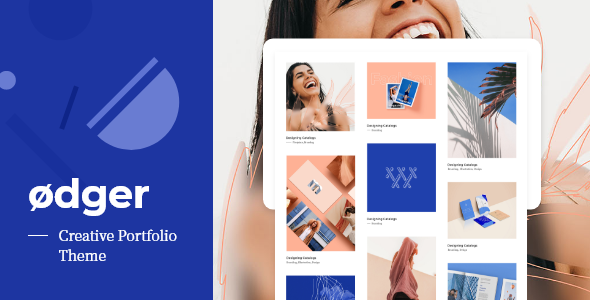
Ødger - Creative Portfolio WordPress Theme
WordPress of the Day

Ødger - Creative Portfolio WordPress Theme

5.0 FREE
  • Screenshot 1
  • Screenshot 2
  • Screenshot 3
  • Screenshot 4
  • Screenshot 5
  • Screenshot 6
  • Screenshot 7
  • Screenshot 8
  • Screenshot 9
  • Screenshot 10
  • Screenshot 11

Description

Artive – Creative Portfolio WordPress Theme REQUIREMENT To work with Artive, please ensure that you are running WordPress 5.0 or higher, PHP 5.6 or higher, and MySQL 5.6 or higher. We have tested it with Mac, Windows and Linux. For better hosting experience, we recommend using https://wordpress.org/hosting/. RECOMMENDED PHP CONFIGURATION LIMITS Various issues that you may run into are: white screen, your demo import fails, empty page content and other similar issues which are all related to low PHP configuration limits. The best way is to increase the PHP limits of hosting account. max_execution_time 300 memory_limit 128M post_max_size 32M upload_max_filesize 32M

Guides & Tutorials for Artive - Creative Portfolio Theme

How to install Artive - Creative Portfolio Theme
  1. Click the Preview / Download button above.
  2. Once redirected, accept the terms and click Install.
  3. Wait for the Artive - Creative Portfolio Theme download to finish on your device.
How to use Artive - Creative Portfolio Theme

This software is primarily used for its core features described above. Open the app after installation to explore its capabilities.

User Reviews for Artive - Creative Portfolio Theme 0

    No reviews found

Similar Apps